How to Turn Off Instagram Online Status Easily and Practically
Tech by Android – How to Turn Off Instagram Online Status Easily and Practically
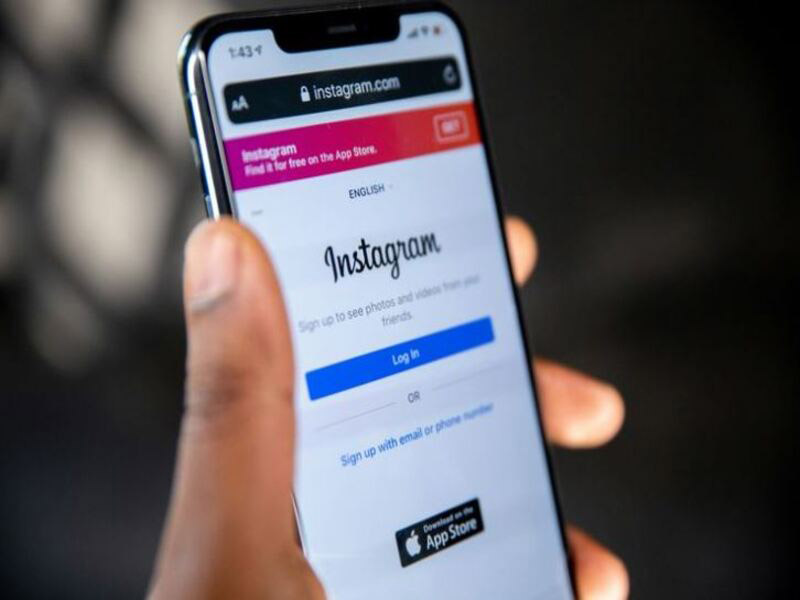
In today’s digital world, maintaining privacy on social media is essential. Many Instagram users seek ways to enhance their privacy while using the platform. One crucial step is learning how to turn off Instagram Online Status. By doing so, users can prevent others from monitoring their activity on Instagram.
Instagram’s Online Status feature is displayed in the Direct Message (DM) section. This feature allows other users to see when someone is online or recently active. When online, a green circle appears on the user’s profile picture in the DM section. While this feature can be useful for communication, it may feel intrusive for some users who prefer more privacy.
If you wish to hide your activity, turning off Instagram Online Status is a simple yet effective solution. Below, we will guide you through the steps to disable this feature, ensuring that your privacy remains intact.
“Read more : Unique Keyboard in the World Has 1,020 Keys, Doesn’t Use Letter Symbols“
Turning off Instagram Online Status is straightforward. Instagram provides a built-in feature that allows users to control their visibility. Follow these simple steps:
Once this setting is turned off, your online status will no longer be visible to others. Additionally, the “Last Seen” status will also be disabled. This means no one will be able to see when you were last active on Instagram.
Disabling Instagram Online Status offers several benefits:
“Read more : The role of National Community Radio in the field of News and Music Broadcasting“
While turning off your Online Status enhances privacy, there are a few things to keep in mind:
Maintaining privacy on Instagram is essential for a comfortable user experience. By following the simple steps above, you can easily disable your Online Status and enjoy a more private interaction on the platform. If you ever wish to turn it back on, you can follow the same steps and toggle the setting back on.
For more tech-related updates and guides, visit Tech by Android or check out techbyandroid.com. Stay in control of your privacy and enjoy Instagram on your own terms.
Tech by Android - Pada minggu ini, Android 14.2 mulai menyebar ke perangkat flagship, memperkenalkan mode privasi baru dan peningkatan…
Tech by Android - Smartphone terbaru meluncur dengan chipset Snapdragon 8 Gen 3, menambah 20% performa dibanding generasi sebelumnya, menurut…
Tech by Android - Android versi 14 resmi diluncurkan pada Mei 2024, menghadirkan mode privasi baru yang mengurangi pelacakan aplikasi…
Tech by Android - Pengguna perangkat mobile kini dihadapkan pada gelombang pembaruan masif dari ekosistem Google Play, di mana aplikasi…
Tech by Android - Data Newzoo 2024 menyebutkan 51 persen pendapatan game global kini berasal dari sektor mobile, sebuah angka…
Tech by Android - Laporan internal dari tim engineering Google yang baru saja bocor ke publik mengindikasikan perombakan drastis pada…